
Software & Development
Mobile app development cost: Android, iOS and cross-platform
What decides the cost of a mobile app, from Android vs iOS vs cross-platform to features, backend, design and maintenance, and how to plan your first version.
By Yash Gupta, Full Stack Developer3 min read
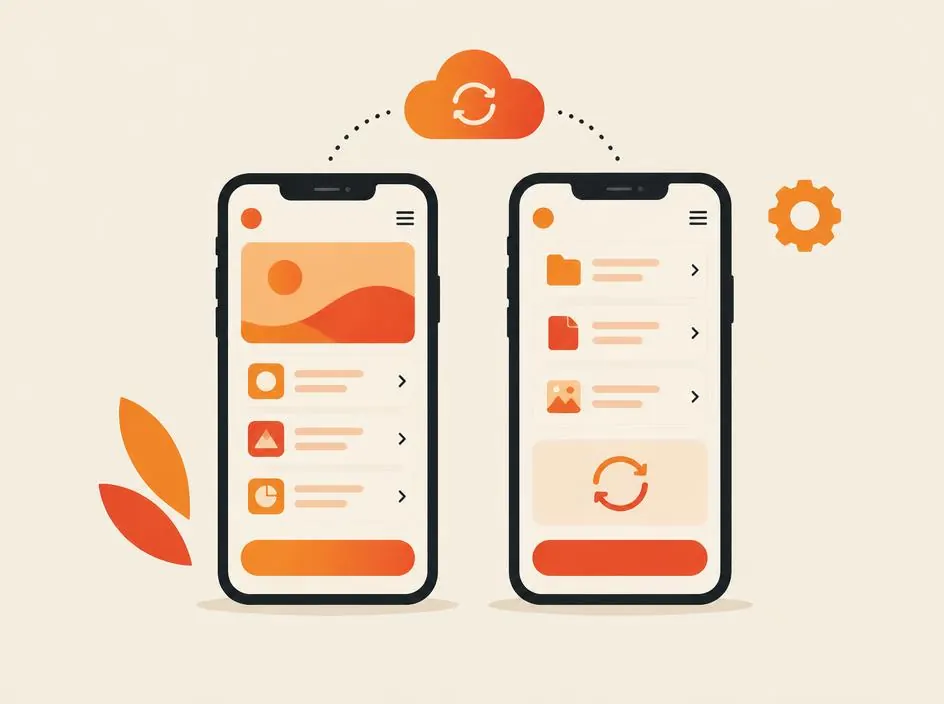
Why app quotes differ so much
"How much does an app cost?" is like asking how much a building costs. A simple booking app and a delivery platform with live tracking, payments and three separate apps are very different projects.
This guide explains the factors that decide mobile app development cost, so you can plan a sensible first version and compare quotes fairly.
Android, iOS or cross-platform?
Native Android and iOS
Native apps are built separately for each platform: Kotlin or Java for Android and Swift for iOS. They give the best access to device features and performance, but two codebases usually mean more development and maintenance work.
Cross-platform
Frameworks such as Flutter and React Native let one codebase run on both Android and iOS. For most business apps this reduces cost and time while still delivering a smooth experience. Native code can be added where a specific feature needs it.
Which should you choose?
- Choose cross-platform for most business, booking, e-commerce and service apps.
- Choose native for apps that depend heavily on device hardware, complex graphics or maximum performance.
- If your audience is mainly on one platform, you can launch there first and add the other later.
Factors that decide app cost
1. Features
Features drive cost more than anything else. Common ones:
- Sign-up and login, including OTP or social login
- User profiles and settings
- Search, filters and listings
- Payments and subscriptions
- Push notifications
- Chat or messaging
- Maps, location and live tracking
- Bookings and calendars
- Offline mode
- AI features such as chatbots or recommendations
2. Number of apps
Many products need more than one app: a customer app, a provider or driver app and an admin panel. Each adds design, development and testing.
3. Backend and admin panel
Most apps need a backend server, database and APIs, plus an admin panel to manage users, content, orders and reports. This is often a large part of the work, even though users never see it.
4. Design
Using a clean, standard interface costs less than custom illustrations, animation and highly branded design. Good UX matters either way, because confusing apps get uninstalled.
5. Integrations
Payment gateways, SMS and WhatsApp, maps, CRMs, ERPs and third-party APIs each need setup, testing and error handling.
6. Testing and app store release
Apps must be tested on different phones, screen sizes and OS versions, then prepared for Google Play and the Apple App Store, including store listings and review requirements.
Ongoing costs after launch
- Hosting and backend services
- App store developer accounts
- Updates for new Android and iOS versions
- Bug fixes and improvements based on user feedback
- Third-party services such as SMS, maps or cloud storage
Plan for maintenance from the start. An app that is not updated gradually stops working well.
Start with an MVP
An MVP (minimum viable product) includes only the features needed to deliver your core value to users. It lets you launch sooner, learn from real users and invest in the features they actually use.
- Define the one problem your app solves
- List all the features you can think of
- Mark the ones users cannot do without
- Build those first, and plan the rest as later phases
The best first version of an app is the smallest one that real users will pay for or use every week.
How to get an accurate quote
Share your goal, target users, platforms, a feature list split into must-have and later, any designs or apps you like, required integrations and your timeline. The clearer the brief, the closer the quote will be to the final cost.
Build your app with YLS
YLS Innovation Technologies is a mobile app development company in India building Android, iOS and cross-platform apps with Flutter and React Native, including backends and admin panels. See our app development services, our UI/UX design approach, or contact us to plan your first version.
Find the right next step for your business
Related articles
Software & Development
Flutter vs React Native: which is right for your app?
Flutter or React Native for your Android and iOS app? Compare how they work, performance, design, team skills and maintenance to choose with confidence.
Read article
Software & Development
Agency vs freelancer vs in-house developer: how to choose
Compare hiring a development agency, a freelancer, an in-house developer or a dedicated developer on cost factors, control, speed, risk and long-term support.
Read article
Software & Development
Software development cost: India vs the USA and UK
Why software development costs differ between India, the USA and the UK, what you pay for beyond the hourly rate, and how to compare total cost fairly.
Read article