
CRM & Automation
CRM automation without losing the personal touch
Connect enquiries and follow-ups while keeping your team in control of the conversations that matter.
By Nitish, Email Marketing SpecialistUpdated 2 min read
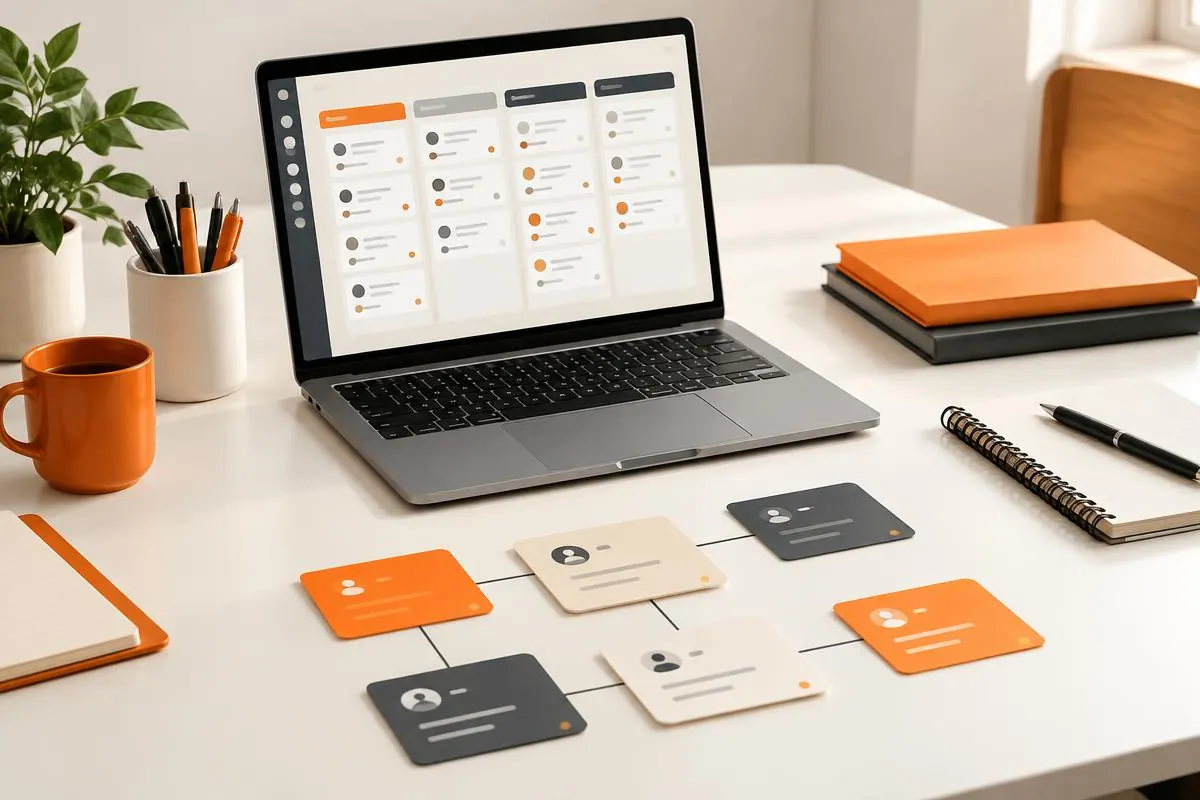
Fix the workflow before automating it
Start by mapping what happens after an enquiry arrives. Who receives it? How is it assigned? Where is the next action recorded? If these steps are unclear, automation can repeat the same confusion faster.
Agree a small set of lead stages and define when a record moves between them. Give each enquiry an owner and a next action. A simple, consistently used process is more valuable than a complicated pipeline nobody maintains.
Choose a focused first automation
Good starting points include capturing website enquiries in the CRM, assigning them to an appropriate person and creating a follow-up reminder. An acknowledgement can confirm receipt, but it should not promise a response time your team cannot meet.
Automate repetitive administration first. Keep qualification, sensitive questions, complaints and negotiations with people who understand the context. The aim is to give your team more time for useful conversations.
Keep customer data dependable
Define the minimum information you need and avoid collecting unnecessary personal data. Use consistent fields, validate inputs and decide how duplicate contacts are handled. A repeated form submission should not create several sales tasks for the same enquiry.
Check access permissions and applicable privacy requirements. Receiving an enquiry is not automatically permission for every marketing message. Store consent where needed and make opt-out handling part of the workflow.
Plan for exceptions
Integrations can fail or receive incomplete information. Decide how failures are flagged, who reviews them and how a missed enquiry is recovered. Make the original submission available to an authorised team member rather than silently discarding it.
Test duplicate enquiries, missing fields, reassigned owners and disconnected tools. Use non-sensitive test data first, then check a controlled real enquiry from the website through to the CRM and the assigned task.
Measure the process, not just activity
Review whether enquiries have an owner, whether follow-ups are completed and where opportunities get stuck. More automated messages do not necessarily mean better customer relationships.
Ask the team which steps still require unnecessary manual work. Improve one workflow at a time, keep a way to intervene manually and review messages regularly so they remain accurate and relevant.
If you are choosing or improving a CRM, see our CRM solutions and business automation services, or compare a custom CRM with an off-the-shelf CRM.
Find the right next step for your business
Related articles
CRM & Automation
Custom CRM vs off-the-shelf CRM for small businesses
Should a small business buy a ready-made CRM or build a custom one? A practical comparison of cost, fit, setup time and growth, with a simple way to decide.
Read article
CRM & Automation
CRM for real estate agents and developers: what to track
What a real estate CRM should track from the first enquiry to booking and handover, for agents, brokers and developers in India, the UAE and beyond.
Read article
CRM & Automation
n8n and AI workflow automation: what to automate first
Practical first workflows to automate with n8n and AI, from lead capture and follow-ups to invoices and reports, plus how to choose, build and maintain them safely.
Read article