
CRM & Automation
n8n and AI workflow automation: what to automate first
Practical first workflows to automate with n8n and AI, from lead capture and follow-ups to invoices and reports, plus how to choose, build and maintain them safely.
By Yash Gupta, Full Stack Developer3 min read

What workflow automation means for a business
Every business has repetitive tasks: copying enquiries into a spreadsheet, sending the same follow-up email, creating invoices, updating a CRM after a call or preparing a weekly report. Workflow automation connects your tools so these steps happen automatically when something happens, such as a form being submitted or a payment being received.
Adding AI to automation lets workflows handle tasks that used to need a person to read and decide, such as summarising an email, sorting enquiries or drafting a reply.
What is n8n?
n8n is a workflow automation tool that connects apps and services through visual workflows. Each workflow starts with a trigger, such as a new form entry or a scheduled time, followed by steps that move data, apply rules or call AI models.
It sits alongside tools such as Make and Zapier. n8n can be self-hosted, which some businesses prefer for cost control and data privacy, and it supports custom code when a workflow needs more flexibility.
Good first workflows to automate
1. Lead capture to CRM
When someone fills in your website form or a social media lead form, add them to your CRM, assign an owner, notify the team on WhatsApp, Slack or email and send the enquirer a confirmation.
2. Lead qualification with AI
Use AI to read the enquiry, identify the service needed, estimate urgency and tag the lead so your team calls the most promising ones first. A person still makes the final decision.
3. Follow-up reminders
If a lead has no activity for a set number of days, remind the owner or send a polite follow-up message.
4. Quotes and invoices
When a deal is marked as won, create the invoice in your accounting tool, email it to the customer and schedule payment reminders.
5. Email and document summaries
Summarise long emails, meeting notes or documents with AI and save the summary to the right customer or project record.
6. Weekly reports
Collect numbers from your CRM, website analytics and sales tools every week and send a short summary to managers.
7. Customer onboarding
When a new customer signs up, send welcome messages, create their project or account, share required forms and assign tasks to your team.
How to choose what to automate first
Look for tasks that are:
- Frequent: done daily or weekly
- Rule-based: following the same steps most of the time
- Error-prone: where copying or forgetting causes problems
- Time-consuming: taking real hours from your team each week
Start with one workflow that saves noticeable time, prove it works and then expand.
Automate a process only after you understand it. Automating a confusing process just produces confusion faster.
Building workflows that do not break
- Map the process first: write down each step, who owns it and what can go wrong.
- Handle errors: decide what happens when a step fails, and alert someone.
- Keep logs: record what each workflow did, so problems can be traced.
- Keep humans in the loop for decisions involving money, customers' personal data or sensitive replies.
- Protect credentials and data: store API keys securely and limit access.
- Assign an owner who reviews the workflow regularly.
Where AI fits, and where it does not
AI is useful for reading, sorting, summarising and drafting. It is less reliable for exact calculations, legal decisions or anything where a wrong answer has serious consequences. Use rules for what must be exact, AI for what needs understanding, and people for judgement.
When to use custom automation instead
Visual tools cover many needs. Custom code and APIs make more sense when workflows handle high volumes, need strict reliability, connect to internal systems without ready-made connectors or process sensitive data that must stay in your own infrastructure.
Automate your first workflows with YLS
YLS Innovation Technologies designs and builds automations with n8n, Make, Zapier and custom code, connected to your CRM, website and business tools. See our business automation services, our AI solutions, or read about AI chatbots for small businesses.
Find the right next step for your business
Related articles

AI & Business
AI chatbots for small businesses: where they help
Where AI chatbots genuinely help small businesses, where a human is still better, and how to plan, train and measure a chatbot that customers actually use.
Read article
AI & Business
Practical AI: where a small business can start
Choose a narrow task, protect your information and review the results before putting AI into everyday work.
Read article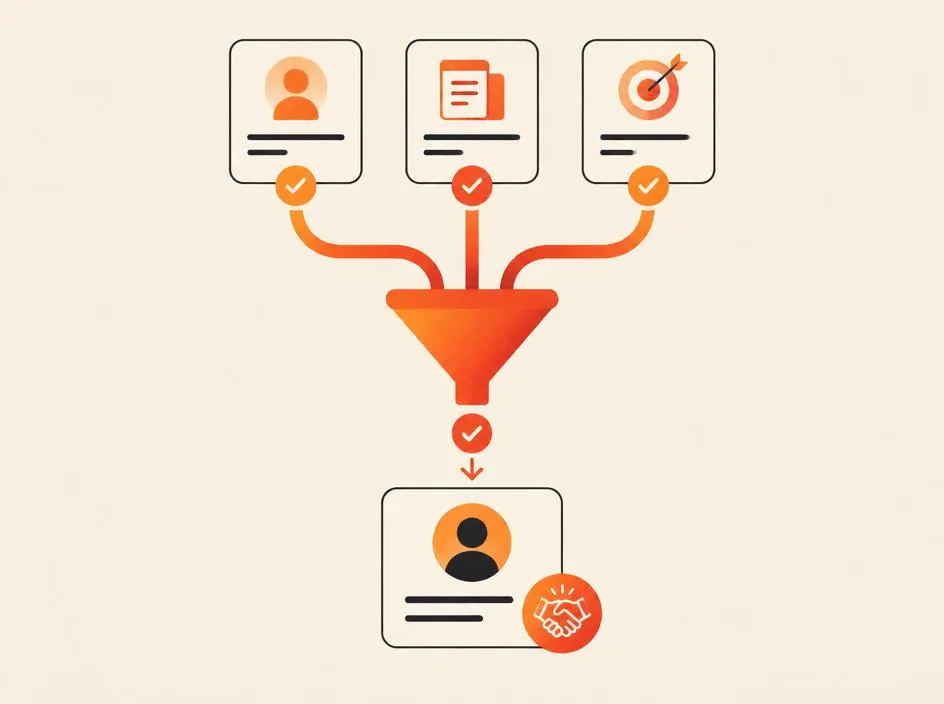
CRM & Automation
Custom CRM vs off-the-shelf CRM for small businesses
Should a small business buy a ready-made CRM or build a custom one? A practical comparison of cost, fit, setup time and growth, with a simple way to decide.
Read article